Published: 2026-05-16
 Running a Hermes agent in a real business: permissioning, skills and the trust ladder
 Hermes /loop: recurring agent wake-ups with real stop conditions
 Grok Bot setup: give each bot its own email instead of sharing your accounts
 DeepSeek V4 Pro 0813 driving Hermes agent: agentic benchmarks jump, cost stays low
 Nemotron 3.5 Lightning on vLLM: the Mamba flags for a local agent execution model
 Prime Agent vs Hermes: Self-Writing Notebook vs Shared Vault
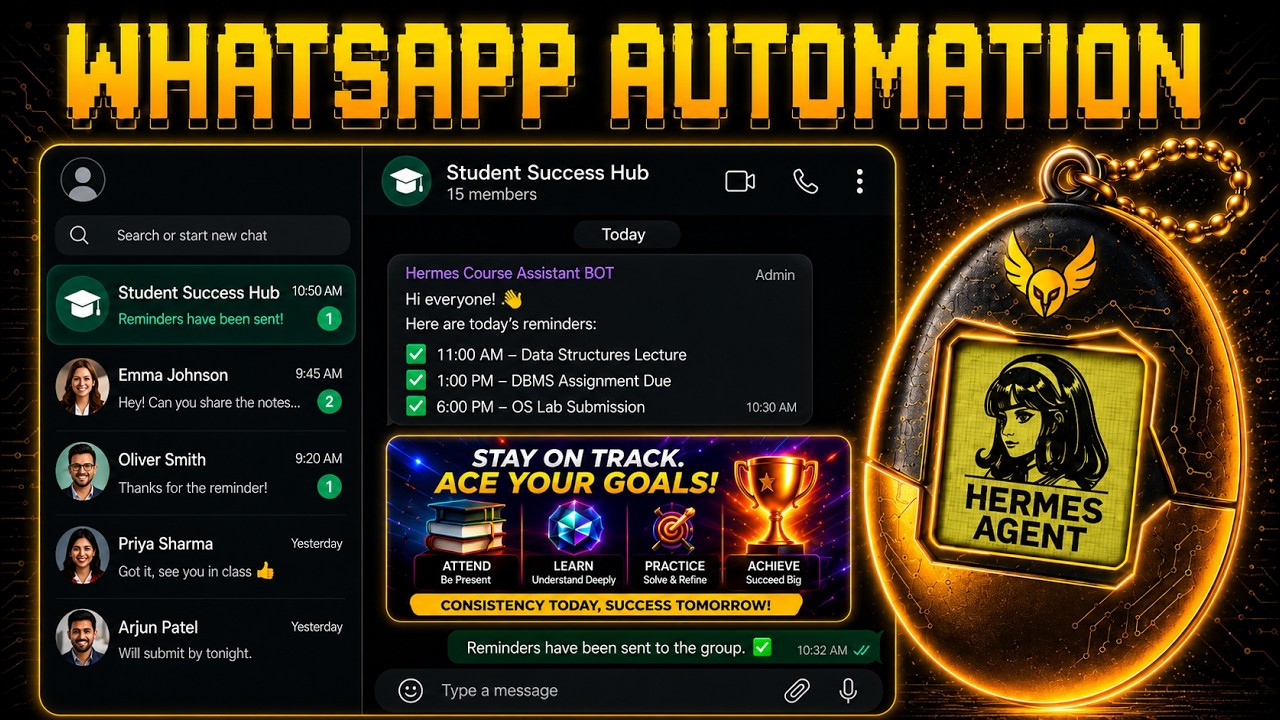
Hermes Agent WhatsApp Automation: Full VPS Setup with Telegram & Periscope MCP
Chapters / key moments (click to jump — plays here on the page)
FuturMinds shows how to build a Hermes AI agent on a VPS that manages WhatsApp groups entirely through Telegram — no WhatsApp Business API required. The key piece is Periscope, a WhatsApp CRM that exposes an MCP server, letting Hermes read conversations, send messages, create groups, label contacts, and schedule cron-based morning briefings, all from a single Telegram chat. The setup runs on a server you own, so data stays off third-party clouds.
Source video
"Hermes Agent WhatsApp Automation - Full Setup Tutorial" by FuturMinds — Watch on YouTube →
Key Takeaways
- Deploy Hermes on a VPS using Hostinger's one-click template; run
hermes setupfor the guided wizard — choose Anthropic as LLM provider, then Telegram as messaging platform. - Create a Telegram bot via BotFather (
/newbot), get your numeric user ID from @userinfobot, and add it to Hermes's allowed user list during setup. - Connect WhatsApp via Periscope CRM: save
PERISCOPE_API_KEYandPERISCOPE_PHONE_IDas environment variables in your hosting dashboard, then ask Hermes to install the MCP server using Periscope's own instructions. - Once configured, Hermes can create groups, bulk-send messages, and analyze chat history from a single Telegram message — no switching apps.
- Schedule daily briefings (e.g., 9am ranked summary of overnight activity) using Hermes cron jobs set up via natural language in Telegram.
Commands & Code Mentioned
hermes setup
/newbot  (in Telegram BotFather)
PERISCOPE_API_KEY
PERISCOPE_PHONE_ID
More Hermes news
Running a Hermes agent in a real business: permissioning, skills and the trust ladder
Hermes /loop: recurring agent wake-ups with real stop conditions
Grok Bot setup: give each bot its own email instead of sharing your accounts
DeepSeek V4 Pro 0813 driving Hermes agent: agentic benchmarks jump, cost stays low
Nemotron 3.5 Lightning on vLLM: the Mamba flags for a local agent execution model
Prime Agent vs Hermes: Self-Writing Notebook vs Shared Vault