OpenClaw Full Tutorial: Set Up Your First AI Employee
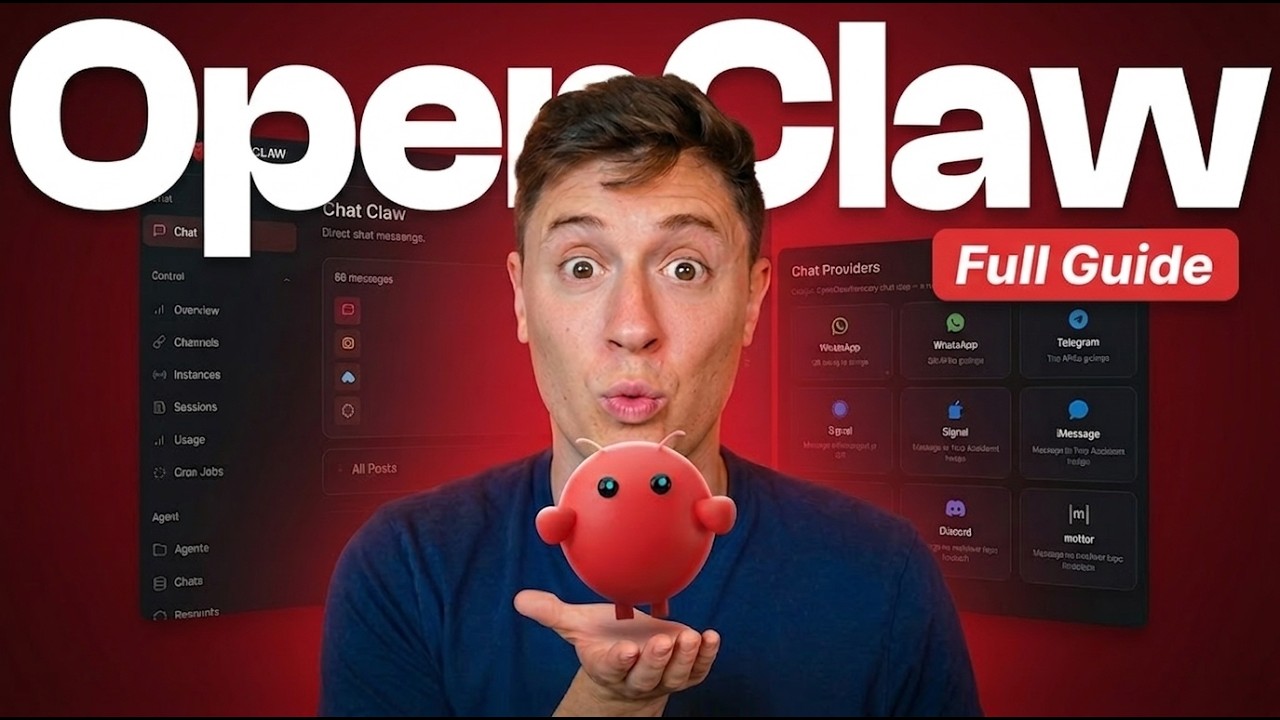
Alex Finn walks through OpenClaw from scratch — installation, API key configuration, tool connections, and writing the system prompt that defines your agent's role. The framing of "AI employee" is intentional: OpenClaw works best when given a specific job title, a defined set of tools, and clear boundaries, exactly like onboarding a new hire. Follow this tutorial and you'll have a working agent completing real tasks within an hour.
"OpenClaw Full Tutorial: Set up your first AI employee!" by Alex Finn — Watch on YouTube →
Key Takeaways
- OpenClaw needs three things to work effectively: a good model (Claude Sonnet or Opus), at least one tool (web search, file access, or an API connector), and a well-written system prompt defining the agent's role.
- Write your system prompt as a job description. Include: what the agent is responsible for, what it should never do, the tone it should use, and how it should handle ambiguous requests.
- Start with one workflow, not ten. Pick the single most repetitive task you do every day. Get the agent working reliably on that before expanding.
- OpenClaw's memory works in sessions by default. For persistent memory across days, install a memory skill or configure a notes file the agent reads and writes each session.
- Tools are additive — each one you connect expands what the agent can do. But don't add tools you don't intend to use; unnecessary tool access slows response time and increases the chance of hallucinated tool calls.
- If the agent makes a mistake, correct it in plain language in the chat rather than editing the system prompt first. Only update the system prompt once you've seen a mistake repeat across multiple sessions.
Recommended First Workflow
Alex Finn recommends starting with a daily briefing agent: give it access to your calendar, a news search tool, and your to-do list, then instruct it to produce a morning summary at 8am. It's simple enough to get working in one session but genuinely useful — you'll immediately see whether the agent is performing well or needs refinement.
Once that's running reliably, add a second job: email triage, meeting notes, or end-of-day reporting. Build incrementally rather than trying to build a fully automated team on day one.
Related on OpenClawDatabase
- OpenClaw Setup Guide — step-by-step installation with screenshots
- OpenClaw Skills Guide — extend your agent with pre-built and custom skills
- OpenClaw Configuration — advanced settings for model selection, context, and tool permissions
What you can actually set up from this
Extracted from the video's own transcript — the specifics the original summary left out.
Reproducible steps
- Host it locally, not on a VPS
<strong>The strongest and most contrarian claim in the video, and the presenter puts money behind it.</strong> His position: a VPS is a considerably worse experience — less secure, less usable, less powerful, with zero advantages — and he refuses VPS sponsorships on the grounds that he does not run his own agent that way. He also notes most creators recommending VPS hosting are sponsored and do not host their own agents there.
- But you do not need to buy new hardware
The stated counterpoint to his own reputation: any old machine works. "Take that old laptop out of your closet, plug it in, and put it on that." A dedicated mini desktop is a nice-to-have for the convenience of a small always-on device you can remote into, not a requirement.
- Run it where you already are
Multiple agents surfaced through a single messaging app, so you message from a phone anywhere and the work happens on your machine at home — rather than needing a separate app per agent.
- Why open source is the load-bearing property
The distinction drawn against closed harnesses: <strong>data stays on your device</strong>, you can read and fork the source, and <strong>you can use any model including local ones</strong>, where a first-party harness locks you to its own vendor's models.
Gotchas
- The VPS advice is a strong and disputed position stated as fact. It is a view worth weighing precisely because it refuses a common sponsorship — but other practitioners run production agents on VPS hosts for durability reasons, and this video does not engage with that case.
- "Completely autonomous AI employee" framing throughout; the demonstrated tasks (designing logos, uploading them, managing devices, scraping) are real but supervised.
- The presenter runs a paid community and promotes it.
- This is an April 2026 walkthrough. OpenClaw 2.0 has since changed installation, memory and skills substantially — treat the hosting argument as the durable part and the setup steps as historical.
More OpenClaw & Claude Code news
 A fully local agent with tools, in about 40 lines: Ollama plus Pydantic AI
 Running Nex-N2.5 Mini on two H100s: the SGLang container setup, and an honest benchmark read
 Semantic grep cut agent tool calls 58% and input tokens 47% in the project's own benchmarks
 The instruction ceiling moved 10x in a year: 200 rules became 2,000
 How LinkedIn made coding agents work on 1,000+ internal repos without fine-tuning
 Two context approaches that look right and stall: the curated-context trap and the MCP plateau
← Back to News digest · See also: OpenClaw guide